Breaking News: how to check passport status through mobile SMS
how to check passport status through mobile SMS
Learning how to check passport status through mobile SMS can help Pakistani applicants stay informed about their passport application without repeatedly visiting a passport office. The Directorate General of Immigration and Passports (DGIP), under Pakistan’s Ministry of Interior, provides passport status notifications through SMS service 9988. Applicants should provide a correct mobile number during the passport application process to receive updates. This guide explains how the service works, what to do if you do not receive a message, and how to contact the relevant department for assistance.
Quick Information Table
| Detail | Information |
|---|---|
| Service Name | Passport Status SMS Intimation |
| Department | Directorate General of Immigration and Passports |
| Country | Pakistan |
| SMS Service Code | 9988 |
| Who Can Use It | Passport applicants |
| Registration | Provide a valid mobile number during application |
| Service Cost | Confirm applicable mobile network charges |
| Support Helpline | 051-111-344-777 |
Overview of Passport Status SMS Service
Pakistan’s passport department uses SMS notifications to inform applicants about the progress of their passport applications. These updates can help applicants know when their passport moves through processing and delivery stages.
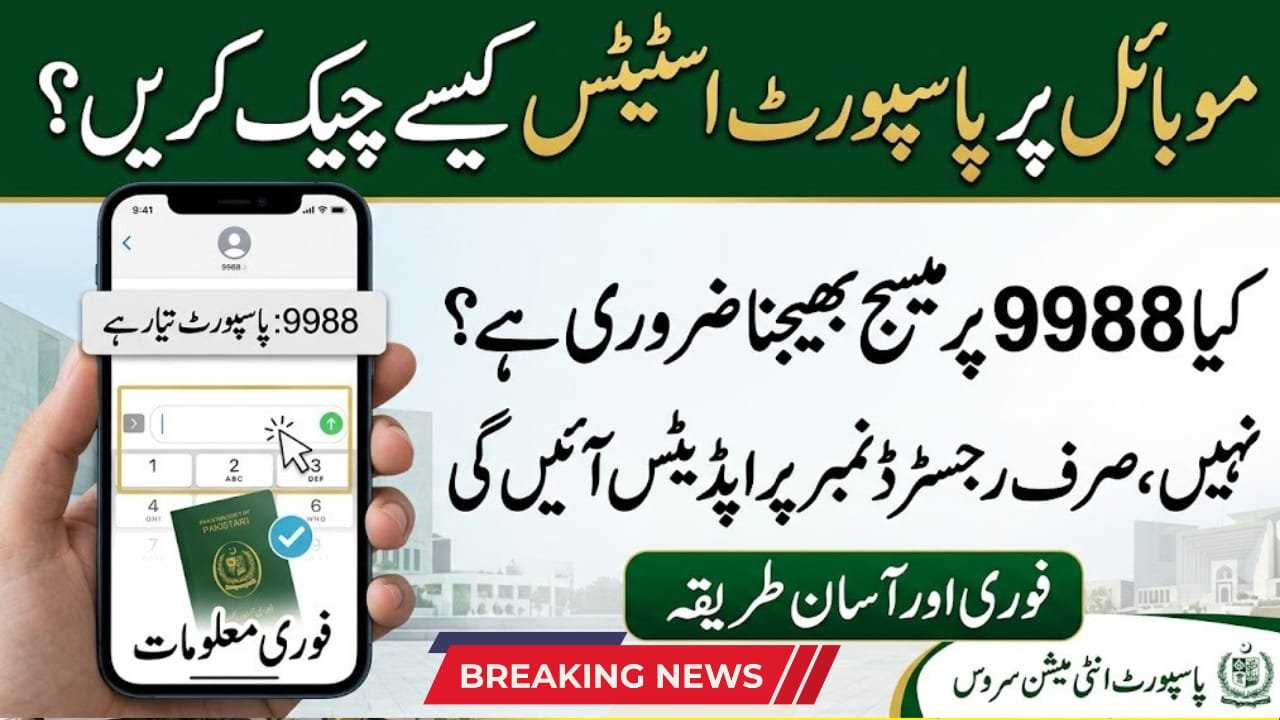
An important point is that the official system is designed to send status messages to the mobile number provided during the application process. Applicants should not assume that sending their CNIC number or token number to 9988 is the required tracking method unless the department specifically instructs them to do so.
How to Check Passport Status Through Mobile SMS
Step 1: Provide Your Correct Mobile Number
When applying for a new passport or renewing an existing one at a passport office, provide a valid mobile number during the data-entry stage. Check the number carefully before the official completes your application.
Step 2: Wait for an Official SMS
The department can send passport status notifications from short code 9988. Keep your phone switched on and make sure you can receive ordinary SMS messages.
Step 3: Read the Status Update
Read the message carefully to understand the stage of your application. Keep any application token or receipt safe because you may need it when contacting the passport office.
Step 4: Follow the Collection Instructions
When you receive a message indicating that your passport is ready or dispatched, follow the instructions provided. A dispatched passport may still need time to reach the relevant passport office or foreign mission.
Latest Updates About Passport Tracking
The DGIP continues to identify 9988 as its passport status SMS notification service. The department asks applicants to provide their correct mobile number during data entry so they can receive updates.
The SMS service is intended to keep applicants informed; it should not be treated as a guarantee that every message will arrive instantly. Delivery may depend on the application stage, the accuracy of the contact details, and mobile network conditions.
What to Do If You Do Not Receive an SMS
If you have not received a status message, take these steps:
- Check that your mobile phone has network coverage and can receive SMS messages.
- Review the mobile number you provided during passport application.
- Keep your original application token or receipt available.
- Contact the DGIP helpline at 051-111-344-777 during its published working hours.
- Visit the relevant passport office if the department advises you to do so.
Avoid sharing your CNIC details or application information with unofficial tracking websites or unknown callers.
Documents and Details to Keep Ready
You may need the following information when asking about your application:
- Original application token or receipt
- Valid CNIC or child registration document, where applicable
- Mobile number provided during application
- Application date and passport category
- Any SMS notification already received
These details can help the relevant office locate your application and guide you appropriately.
Benefits of SMS Passport Tracking
The SMS notification service helps applicants stay updated without making unnecessary visits to a passport office. It also allows them to keep track of important processing and delivery messages.
However, an SMS notification does not replace official verification. If the message is unclear or your passport is delayed, contact the department for confirmation.
Frequently Asked Questions
1. How to check passport status through mobile SMS in Pakistan?
Provide your correct mobile number during passport application and watch for status notifications from 9988.
2. Which number sends passport status messages?
The DGIP identifies 9988 as its passport status SMS service code.
3. Should I send my CNIC number to 9988?
The official instructions describe a notification service. Do not assume that sending your CNIC or token number is necessary unless DGIP confirms that method.
4. What if I do not receive a passport SMS?
Check your phone and registered number, then contact the DGIP helpline or the relevant passport office.
5. Can I track a passport after it has been dispatched?
You can seek an update through the department’s tracking support. Allow additional time for delivery to the relevant passport office or foreign mission.
Conclusion
Understanding how to check passport status through mobile SMS makes it easier to stay informed about your Pakistani passport application. The official notification service uses 9988, and applicants should provide an accurate mobile number during the data-entry stage. If no message arrives, check your contact details and contact the DGIP helpline for guidance. Keep your application token and identification documents safe throughout the process. Always rely on official department information for status confirmation, collection instructions, and any changes to the passport tracking procedure.