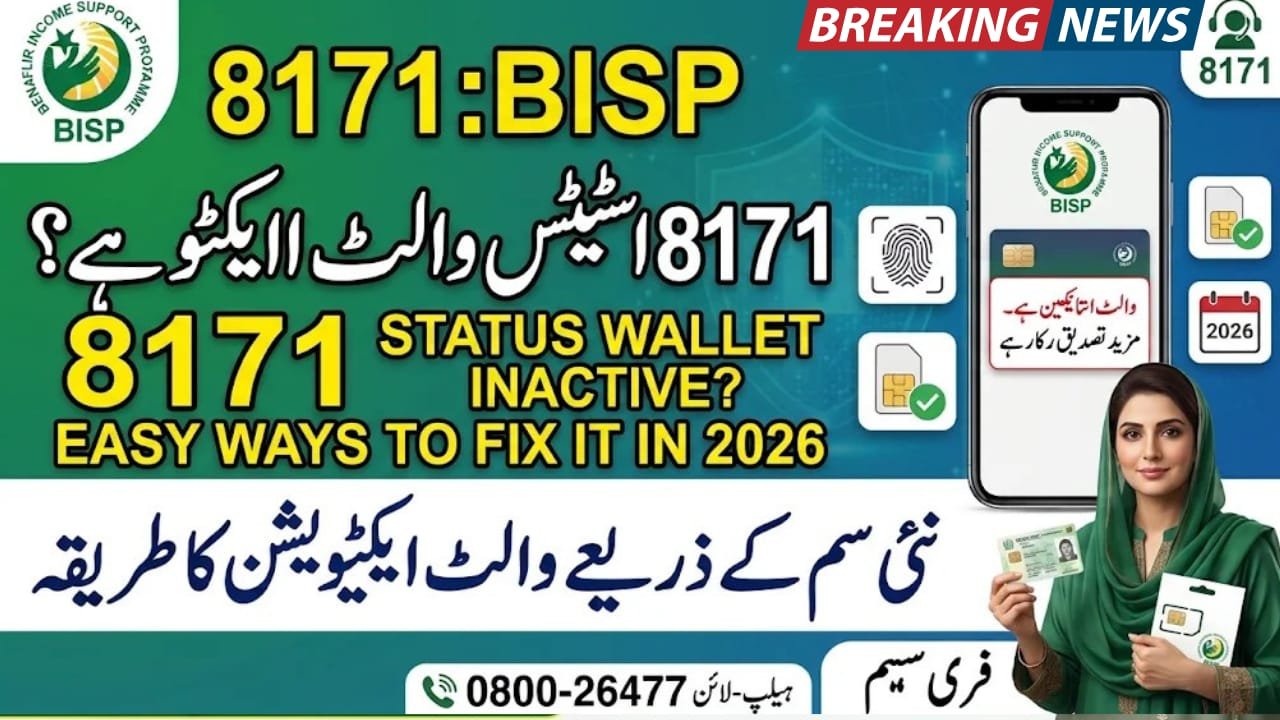
Breaking News: 8171 Status Wallet Inactive: How to Solve This Problem?
8171 Status Wallet Inactive
8171 Status Wallet Inactive is a problem that can prevent eligible Benazir Income Support Programme (BISP) beneficiaries from accessing their financial assistance through the digital payment system. This status may appear when the Social Protection Wallet has not been activated or requires further verification. The government has introduced free SIM distribution to help beneficiaries use digital wallets for payments. In this guide, you will learn the possible reasons for an inactive wallet, how to resolve the issue, which documents you need and where to get official assistance.
Quick Information Table
| Detail | Information |
|---|---|
| Programme | Benazir Income Support Programme |
| Payment System | Social Protection Wallet |
| Department | Government of Pakistan |
| Main Issue | Wallet showing inactive |
| Beneficiaries | Eligible BISP women |
| SIM Charges | Free |
| Activation Authority | BISP staff |
| Required Document | Original CNIC |
| Status Check | 8171 |
| Helpline | 0800-26477 |
Overview of the BISP Social Protection Wallet
The Benazir Income Support Programme introduced the Social Protection Wallet to make financial assistance more secure and accessible for registered women.
Under this system, eligible beneficiaries receive free SIM cards through designated BISP offices and campsites. BISP staff use these SIMs to activate the digital wallets through which beneficiaries can receive financial assistance.
According to the official BISP announcement, beneficiaries must complete biometric verification and collect their SIMs through authorised distribution points. The SIM and wallet activation service is free. bisp.gov.pk+1
Latest Update on 8171 Status Wallet Inactive
BISP is expanding its Social Protection Wallet system to improve payment delivery and reduce problems associated with traditional cash distribution.
The official instructions clarify that:
- Eligible women can receive a free SIM.
- Beneficiaries must bring their original CNIC.
- Biometric verification is required.
- BISP staff activate the Social Protection Wallet.
- Beneficiaries should not pay anyone for SIM issuance or activation.
There is no separate officially confirmed procedure stating that every inactive wallet can be activated through an ordinary bank ATM. Therefore, beneficiaries should first contact BISP rather than follow unverified instructions. bisp.gov.pk+1
Why Does the BISP Wallet Show Inactive?
Several issues may prevent beneficiaries from using their digital wallets.
- SIM not activated: The free SIM may have been issued, but wallet activation is incomplete.
- Biometric verification pending: Fingerprint verification may not have been completed successfully.
- CNIC verification issue: Your identity information may require further verification.
- Mobile number problem: The registered mobile number may not match your beneficiary record.
- Incomplete registration: BISP may still need to complete your wallet registration.
The exact reason depends on your individual record, so ask BISP staff to check your status.
How to Solve the 8171 Status Wallet Inactive Problem
Follow these steps to resolve the issue safely.
Step 1: Visit Your Nearest BISP Office
Visit your nearest BISP Tehsil Office or designated SIM distribution campsite. Explain that your wallet is showing an inactive status.
Step 2: Bring Your Original CNIC
Carry your original, valid CNIC so staff can verify your identity and beneficiary information.
Step 3: Complete Biometric Verification
Provide your fingerprints when authorised BISP staff request biometric verification. If verification fails repeatedly, ask staff to guide you about further verification.
Step 4: Request Wallet Activation
If you have received your free Benazir SIM but your wallet remains inactive, ask BISP staff to check the activation status and complete any pending official steps.
Step 5: Check Your Status Again
After verification, check your payment and eligibility information through the 8171 service. Keep any confirmation message or receipt for future reference.
Required Documents
Keep the following documents and information ready:
- Original Pakistani CNIC.
- Registered mobile phone number.
- Free Benazir SIM, if already received.
- Previous BISP payment or registration details.
- Biometric verification information, if requested.
Benefits of the Social Protection Wallet
The digital wallet system offers several advantages:
- Secure payments: Helps protect beneficiaries’ financial assistance.
- Free SIM facility: Eligible women receive SIM cards without charges.
- Direct access: Makes digital payment collection easier.
- Improved transparency: Helps reduce unauthorised deductions and payment-related problems.
- Convenience: Reduces dependence on traditional cash distribution arrangements.
How to Contact BISP for Assistance
If your wallet remains inactive after visiting the distribution centre, contact BISP through its official support channels.
You can:
- Call the BISP helpline at 0800-26477.
- Visit your nearest BISP Tehsil Office.
- Explain the exact error appearing in your payment or wallet status.
- Request verification of your CNIC, SIM and wallet records.
Never share your OTP, PIN or banking password with unknown people. Also, do not pay agents who promise instant wallet activation.
Frequently Asked Questions (FAQs)
1. What does 8171 Status Wallet Inactive mean?
It means your Social Protection Wallet is showing an inactive status and may require activation or further verification.
2. How can I activate my BISP digital wallet?
Visit an authorised BISP office or distribution campsite. BISP staff will guide you through SIM issuance, biometric verification and wallet activation.
3. Is the Benazir SIM free?
Yes. Eligible beneficiaries receive the designated Benazir SIM free of charge through authorised BISP distribution points.
4. Can I activate my BISP wallet through an ATM?
BISP’s published instructions identify its staff as responsible for wallet activation. Contact BISP before attempting any alternative activation method.
5. What should I do if my wallet is still inactive?
Visit your nearest BISP Tehsil Office with your original CNIC and request a check of your wallet activation and beneficiary records.
Conclusion
The 8171 Status Wallet Inactive issue can create difficulties for eligible women waiting to receive their BISP financial assistance. However, beneficiaries should first identify the reason behind the inactive status and follow the official verification process. Visit an authorised BISP office, carry your original CNIC and complete the required biometric verification. Remember that the Benazir SIM and wallet activation service is free. Always follow official instructions, protect your personal information and contact the BISP helpline if the problem continues.




One Comment