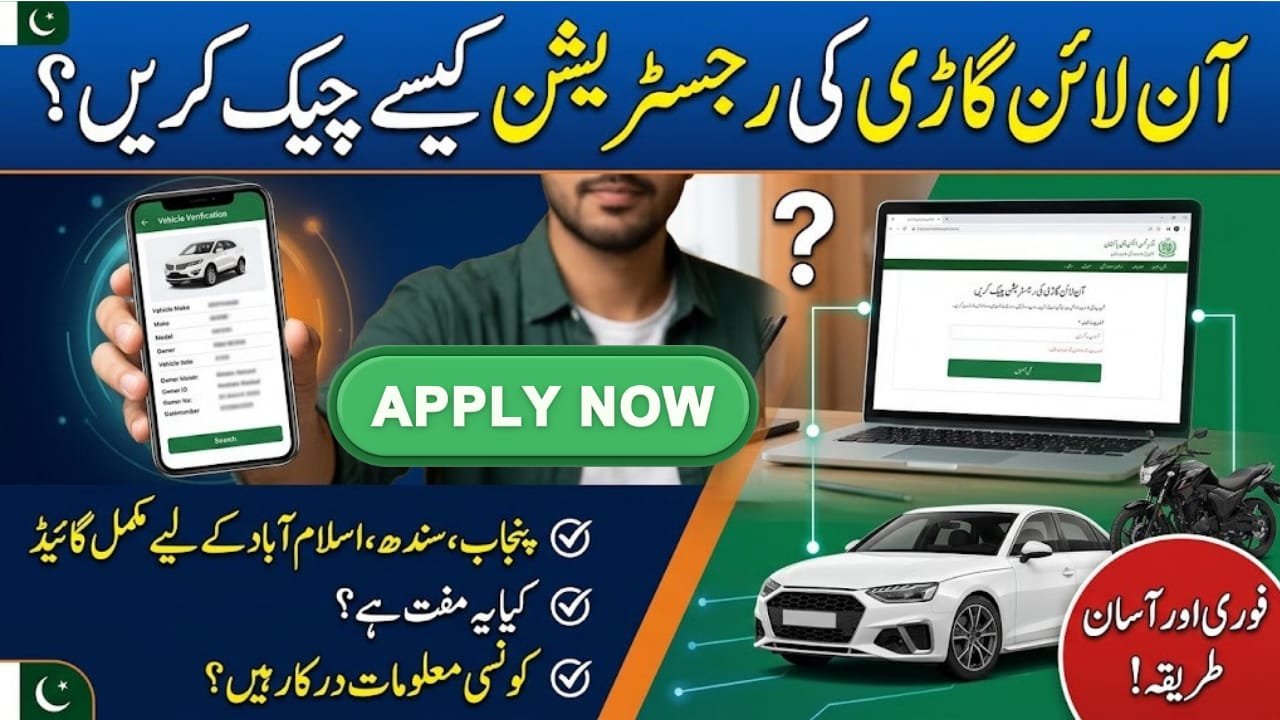
How to check vehicle registration online
How to check vehicle registration online is a common question for people buying used cars, motorcycles, or other vehicles in Pakistan. Online verification helps you review available registration details before completing a purchase or checking your own vehicle records. The relevant Excise and Taxation Department manages these services in each province. Punjab, Sindh, and Islamabad provide official online vehicle-related services, although the process and information required may differ. This guide explains how to verify a vehicle, which details you need, and what to check before trusting a seller.
Quick Information Table
| Detail | Information |
|---|---|
| Service | Online vehicle registration verification |
| Country | Pakistan |
| Department | Provincial or Islamabad Excise and Taxation Department |
| Punjab system | MTMIS Punjab |
| Sindh system | Online Vehicle Verification |
| Information required | Vehicle registration number and other requested details |
| Fee | Depends on the service; check official instructions |
| Application method | Official website or designated service centre |
Overview of Online Vehicle Verification
Online vehicle verification allows users to search available registration records through a government system. Depending on the province and service, the results may show the vehicle’s make, model, registration status, registration details, and other available information.
This service is especially useful when buying a second-hand vehicle. However, an online search is only one part of the verification process. You should also compare the official record with the vehicle’s documents and physical identification numbers.
Latest Updates on Vehicle Registration Services
The Punjab Excise and Taxation Department provides an official online service for verifying registered vehicles. Sindh also offers an official vehicle verification service, including searches by registration number and, where supported, CNIC.
Islamabad’s Excise and Taxation Department provides an online services portal for vehicle-related matters. Because each authority manages its own records, users should select the portal that matches the vehicle’s registration jurisdiction.
Eligibility and Requirements
Who Can Check a Vehicle?
Vehicle owners, prospective buyers, sellers, and other people with a legitimate reason to verify a vehicle can use publicly available verification services.
Information You May Need
Prepare the following information before starting:
- Vehicle registration number.
- Registration date, if the portal requests it.
- Vehicle category, such as a car or motorcycle.
- CNIC number, if required by the selected service.
- Registration book or smart card for comparison.
Benefits of Online Registration Verification
Online verification can save time and help you identify discrepancies before purchasing a vehicle. It also lets existing owners review available registration information without immediately visiting an Excise office.
For used-car buyers, checking the record may help reveal differences between the seller’s claims and the information held by the registration authority. Still, an online result does not replace a physical inspection or a formal ownership transfer.
How to Check Vehicle Registration Online Step by Step
Step 1: Select the Correct Official Portal
For Punjab, use the official MTMIS vehicle verification service. For Sindh, use the Excise Department’s Online Vehicle Verification service. Islamabad vehicle owners should use the official Islamabad Excise portal.
Step 2: Enter the Registration Number
Type the vehicle number exactly as shown on its registration plate or documents. Select the vehicle category if the portal asks you to do so.
Step 3: Provide Additional Details
Some systems may request the registration date, CNIC, or a security code. Enter the information carefully and complete the verification field displayed on the official website.
Step 4: Review the Results
Check the available make, model, registration details, and ownership information. The fields shown may vary by province and system.
Step 5: Compare the Record With the Vehicle
Compare the available record with the registration certificate or smart card. Also check the engine and chassis numbers against the physical vehicle and its documents.
Step 6: Resolve Any Differences
If the record is missing or contains incorrect information, contact the relevant Excise Department. Do not complete a purchase until you have investigated important discrepancies.
Frequently Asked Questions
1. How to check vehicle registration online in Pakistan?
Open the official vehicle verification portal for the province or territory where the vehicle is registered, enter the requested details, and review the available record.
2. Can I check car registration by number plate?
Yes. Official vehicle verification services commonly use the registration number, although some portals request additional information.
3. Can I check motorcycle registration online?
Yes. Many provincial services support motorcycle verification. Select the correct vehicle category if the portal provides that option.
4. Is online vehicle verification free?
Fees and service conditions can vary. Check the official portal for the current requirements before paying any charges.
5. Does online verification prove legal ownership?
It provides access to available registration records, but it does not replace the official transfer process or a detailed document check.
Conclusion
Learning how to check vehicle registration online can help you make safer decisions when buying a used car or motorcycle in Pakistan. Always use the official portal for the vehicle’s registration jurisdiction and enter accurate information. Review the available record, compare it with the original documents, and inspect the engine and chassis numbers before completing a transaction. If anything appears inconsistent, contact the relevant Excise and Taxation Department for clarification. A careful verification process can help reduce the risk of fraud and avoid unnecessary problems after purchase.